
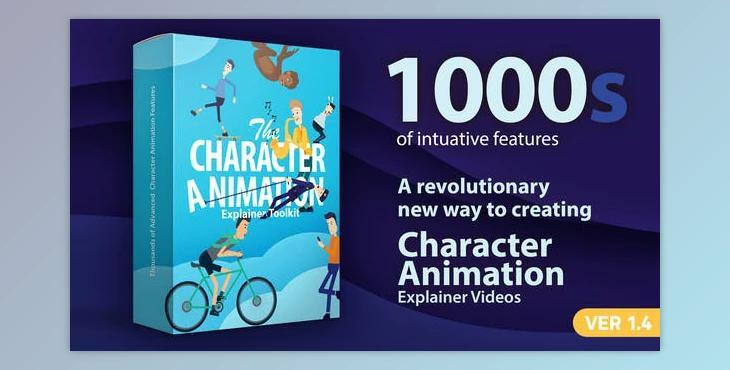
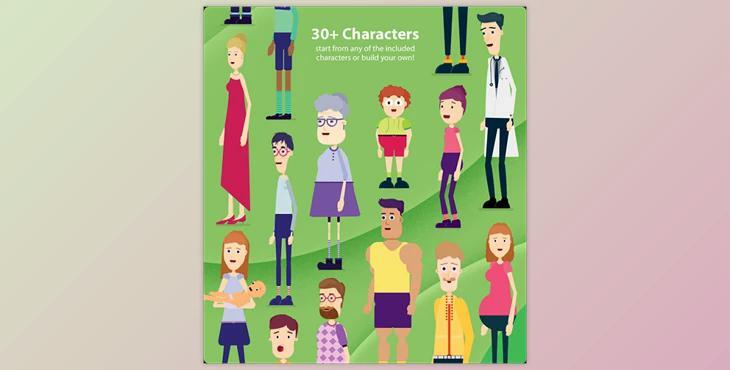
The Character Animation Explainer Toolkit V2 offers a groundbreaking solution for creating explainer videos directly within After Effects.
How can users create their own unique characters using tools?
You can design your project using "Character Animation Explainer Toolkit".
Featuring an extensive array of attributes honed over a year of development, this toolkit revolutionizes character design and animation.
With the Character Studio, users can effortlessly craft unique personalities using intuitive controls, customizable features, and a vast library of pre-made elements. From adjusting body proportions to adding accessories, the toolkit provides unparalleled flexibility.
"Character Animation Explainer Toolkit" Samples:
The Head Design Studio offers advanced control over facial features, hairstyles, and accessories, enabling users to achieve any desired look. Additionally, the Character Cartoon Suite includes over 200 loopable animations and advanced rigging options for creating dynamic character movements.
With features like 180-degree character rotation, lip-sync expressions, and a comprehensive scene designer, this toolkit empowers users to create professional-quality explainer videos with ease. Comprehensive assistance resources, including tutorial videos and a user guide, ensure users can fully leverage the toolkit's capabilities.
Package information
This After Effects project, last updated on May 19, 2020, and published on May 16, 2019, is compatible with After Effects CC. It includes After Effects project files, video files, image files, and vector files. Additionally, it supports Universal Expressions.
