
How to use effects to transform your images into an attractive visual story in an adventurous way in After Effects?
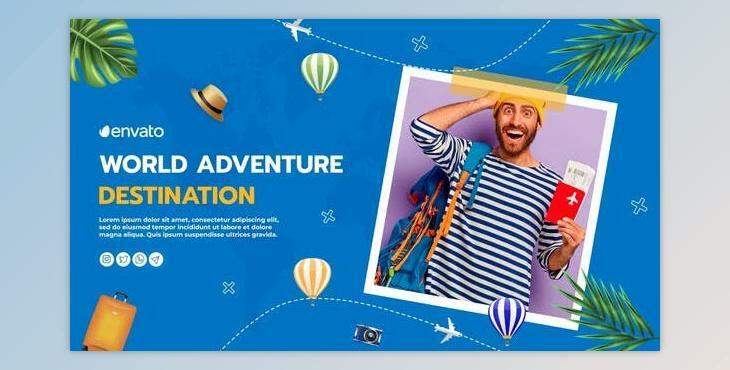
You can edit your pictures beautifully using the "Travel And Adventure Slideshow".
Where can I download the product?
After subscription, You can download it for free from here.
First, download the font and install
Here are a few instructions that will help
Folder “02. Edit Comps” Here you can edit text and media for your project
Open the “Edit Text...” composition. Double-click the text and type your text
You can edit the color on the “Control” panel
AUDIO
In After Effects click on the menu option: File > Import > File (search the audio file, click on it, then click Open). Open the
“Render Comp” folder. Open the composition Render Comp. Drag and drop your audio in this composition.
RENDER VIDEO
Open the “Render Comp” composition. Click on the menu option Composition > Add to render queue
Select the desired output format and the video location. Click on the Render option.
What is the Travel and Adventure Slideshow?
Crafting a Travel and Adventure Slideshow using Adobe After Effects entails blending images, videos, and dynamic motion graphics to narrate a compelling visual tale of journeys and explorations. Embrace your creative instincts, experimenting freely with an array of effects and styles. After Effects offers an extensive toolkit, empowering you to fashion a visually captivating showcase that breathes life into your travel escapades.
