
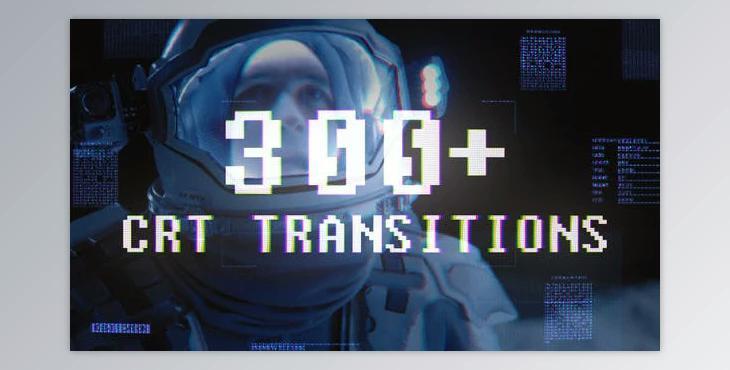
How to make your videos look nostalgic?
You can edit your video using "CRT Transitions" in After Effects.
Where can I download the product?
After subscription, You can download it for free from here.
The product is in the After Effects Project category from VIDEOHIVE, for more information about this post you can click on the home page link in the sidebar.
To search for similar products to CRT Transitions,
Price includes:
What is CRT Transitions?
CRT Transitions typically refer to video transition effects that emulate the visual characteristics of older cathode-ray tube (CRT) displays. CRTs were the standard technology for television and computer monitors before the widespread adoption of flat-panel displays. These transitions aim to replicate the unique visual elements associated with CRT screens to create a nostalgic or retro look in video editing.
These transitions are often used in video editing to evoke a vintage aesthetic, especially for content that aims to capture the feel of older technology or a bygone era. Video editing software or plugins may offer CRT transition effects that can be applied to video clips to achieve this specific look.
