
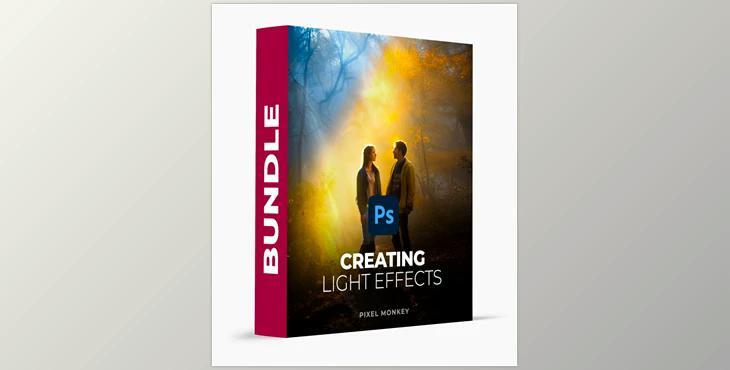
PixelMonkey – Creating Light Effects in Photoshop – Overlays + Brushes, is a transformative collection of 606 tools across 10 packs, meticulously crafted to elevate your image editing effortlessly.
How to use overlay and brushes and light leaks to create beautiful works of art in Photoshop?
You can use "PixelMonkey – Creating Light Effects in Photoshop – Overlays + Brushes" to edit your images.
From dynamic light leaks to nuanced physical lights, our brushes and overlays offer boundless possibilities to turn your photos into captivating masterpieces. Unveil new depths and dimensions in your artwork, breathing life into seemingly finalized images with unprecedented drama and vibrancy. Elevate your creative process with the Creating Lights in Photoshop Bundle, ensuring every edit dazzles with mesmerizing effects at your fingertips.
"PixelMonkey – Creating Light Effects in Photoshop – Overlays + Brushes" Samples:
