
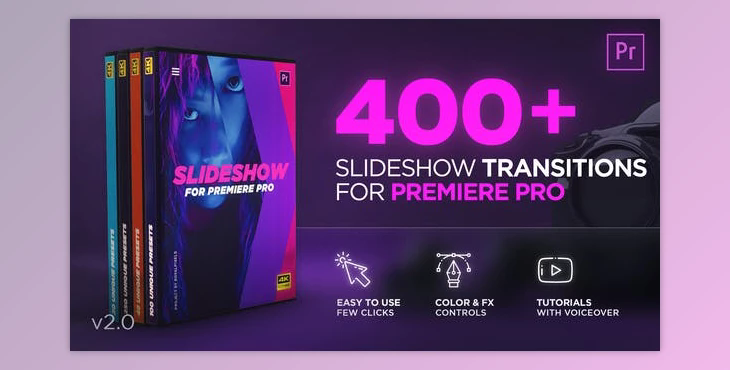

Slideshow Transitions - PR Project VH-26723089: The first release of Essential Transitions for Premiere Pro - Containing 400plus transitions for all media. Increase the quality of your videos to a whole new level. Quickly make the next film more lively and thrilling by using these multi-purpose and stylish transitions.
The product is in the Premiere Pro Project category from VIDEOHIVE, for more information about this post you can click on the home page link in the sidebar.
To search for similar products to Slideshow Transitions (Videohive 26723089) - PR Project,
Included Files:
Color & FX Controls:
Slideshows and Shape transitions come with Color and FX Controls that allow you to switch colors and effects by using the Effect Controls panel. Video tutorials on the subject are included in your project's files.
Compatible Resolutions:
Drag & Drop transitions can be resized into the resolution of your choice. Placeholder transitions work perfectly on any resolution with an aspect ratio of 16:9. We've included Square [1:1] and Vertical [9/16] variations. Below is a list of all resolutions available:
Technical Requirements:
What is Slideshow Transitions
Slideshow transitions refer to the animated effects or techniques used to transition between individual slides or images in a slideshow or presentation. These transitions are used to make the slideshow more visually appealing and to smoothly move from one piece of content to the next. The choice of transition can impact the overall flow and style of your presentation.
When using slideshow transitions, it's important to consider the content and context of your presentation. Transitions should enhance your message and not distract from it. Overusing flashy transitions can be counterproductive and make your presentation feel less professional. It's generally a good practice to keep transitions consistent throughout your slideshow to maintain a cohesive look and feel.
