
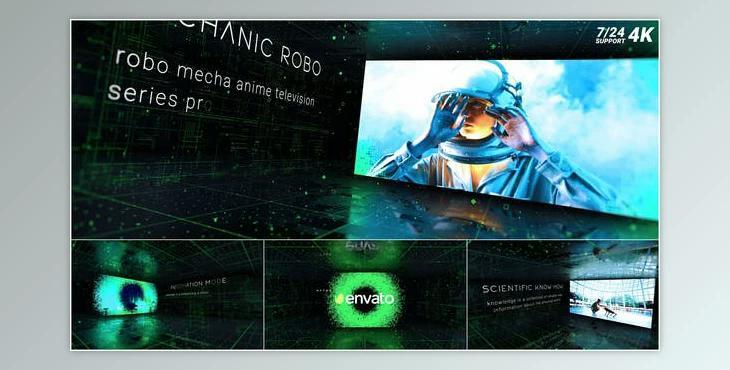
How do we use text boxes to provide additional information, descriptions, or context?
You can use "Technology Slide".
Where can I download the product?
After subscription, You can download it for free from here.
How to use
Edit:
Replace images or videos
1. Go to the Main window > EDIT > MEDIA > MEDIA 1-12. This folder contains media compositions. Each of these compositions contains an image placeholder that you need to replace. Put your photo or video. Then adjust the position and size of the layer.
Replace Title
2. Go to the Main window> EDIT > TEXT > This folder contains text compositions, replace it with his own material
Customization and Color Correction
3. The 3D element needs tweaking. Find the E3D layer, go to it, and add a new path, this should be done in every scene
4. To adjust the preliminary composition before the final render, you need to open the project Main window >MAIN COMP > select layer "Color Control” and choose according to your taste.
