
Note: This action is compatible with Photoshop CS3, CS4, CS5, CS6, CC, and CC 2018.
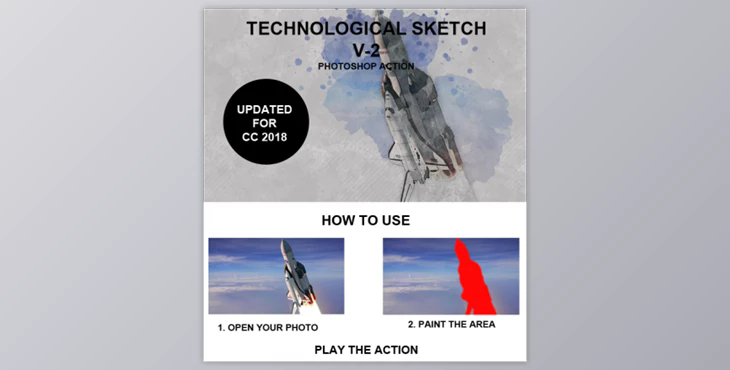
Technological Sketch Photoshop Action transforms your photo into an ink sketch. This action has color options. This action will save you hours of labor. Once the action is completed, you will have a structured and well-organized file. This file includes many folders, layers, and settings that can be improved upon.
It's important! It's important!
The English version of Photoshop is available here. This action is only compatible with Photoshop's English version. Please use the English version.
Activate the RGB Mode and 8 Bits of color Image Mode to check if "RGB color" or "8 Bits/Channel are active.
Make sure the option "Add Copy" to Copied Layers or Groups" is activate
This option is only available for Photoshop CS5 or later. Navigate to the "Layers Panel",> Menu icon> "Panel Options " and ensure that "Add 'copy to Copied Layers or Groups" is enabled.
Confirm your photo at 72dpi or more
You will not achieve a perfect result if you use a photo that is less than 72dpi. This can be fixed by going to Image->Image Size and increasing the resolution.
Check the brush's transparency to 100%
The Opacity setting of the brush should be set to 100%. Move the slider to 100%.
