
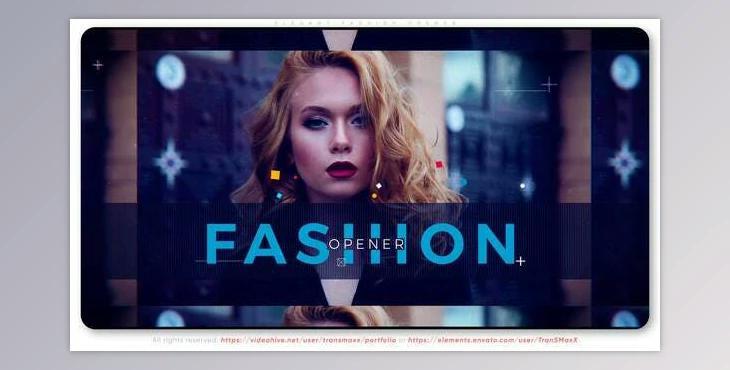
You Also can Create some intriguing typography film Promo or mini advertisements for New makers of fashion. Simply put Your photos or film clips and Form your own text. You can change the colors of any element.
How to make attractive typography on your images and videos in After Effects?
You can use "Elegant Fashion Opener".
Where can I download the product?
After subscription, You can download it for free from here.
Or even centric programs
Employed Font -- not contained -- links within PDF description
Instruction Steps
Adobe After Effects CC 2015 (software) or a newer version ( CC 2019) is required to open and edit the template file.
First, download the font and install
Folder “02. Edit Comps”
Here you can edit text and media for your project.
Open “Image” composition. Import your media and drag it into the timeline.
Open “Text” composition. Double-click the text and type your text.
You can edit the color on the “Control” panel
Modular Structure. You can change the duration and scene position
AUDIO
In After Effects click on the menu option: File > Import > File (search the audio file, click on it, then click Open). Open the "Final Comp" folder. Open the composition Final Comp. Drag and drop your audio in this composition.
RENDER VIDEO
Open "Final Comp" composition. Click on the menu option Composition > Add to render
queue select the desired output format and the video location. Click on the Render option.
