
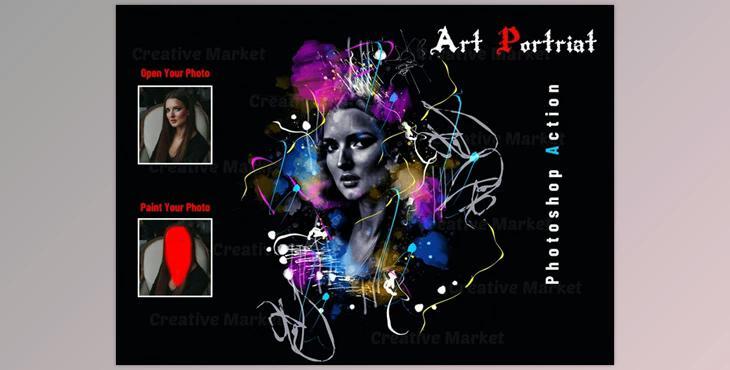
The Art Portrait Photoshop Action is ideal for designers and photographers. It improves and adds stunning images. It can assist you in enhancing your photos to create a stunning and distinctive look. With this feature, you'll have five different effects options when you close your eyes.
This action was tested and is working on Photoshop CC 2020 English Version. Software supported version: CS4, CS5, CS5.5, CS6, CC2014, CC2015, CC2015.5, CC2016, CC2017, CC2018, CC2019, CC2020+ English Version.
Most important instruction:
(1) Open an image within Photoshop. Then, expand the area around the photo to get the maximum results. Choose the Background image you want to use and use the cropping tool in the tools bar, then expand it to the entire sides. You must now resize your image. For resizing images, click the crop tools. In to the top menu bar. You will find W x H Reso three blank boxes. Write W 3000px. H 2000px. Resolution 72. Then, press enter.
(2) 2. Open your image. Make a brand new layer and change its name to "paint" ( in lowercase). Choose soft paint and paint your photo. Then close the "paint" layer eye and continue to select "paint" layer Then click the play button.
File contains:
