
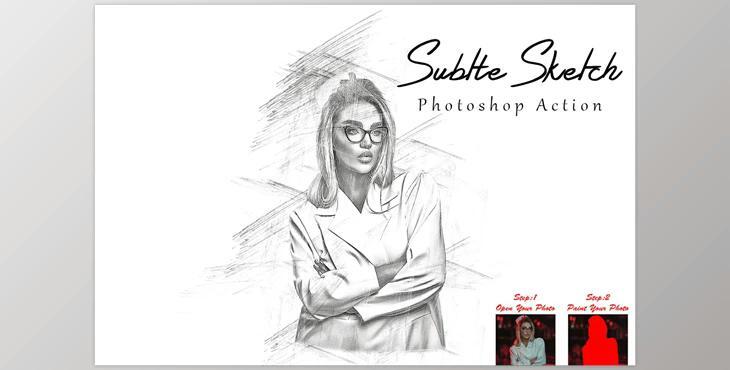
Subtle Sketch Photoshop Action CM - 7819645: This is like magic. Reduce your time for creative thinking to just a few minutes. If you're looking to make magical effects in only two seconds you'll be amazed how your work transforms into masterpieces! It's possible with this action.In this method, you'll receive the option of choosing 10 colors when you take your eyes off.
This action has been verified and checked using Photoshop C2022 English Version. Software supported version:CS6,CC,CC2014,CC2015,CC2015.5,CC2016,CC2017,CC2018,CC2019,CC2020,CC2021,CC2022 English Version.
Most important instruction:
(1) Start by opening an image inside Photoshop. Expand the space around your image to achieve the best outcomes. Select your background image, and apply the cropping tool on the toolbar. Then, expand it to all sides. It is now time to resize the image. To change the size of your image choose the crop tools. Then, on the top menu bar. You will see 3 empty boxes. Enter W3000px. 2000px, Resolution 72. Enter.
(2) Open your picture. Create a new layer. Change its name, to "paint" (in lowercase). Pick a brush, and paint your picture. Close your "paint" layer eye and continue to choose the "paint" layer Then click the play button.
