
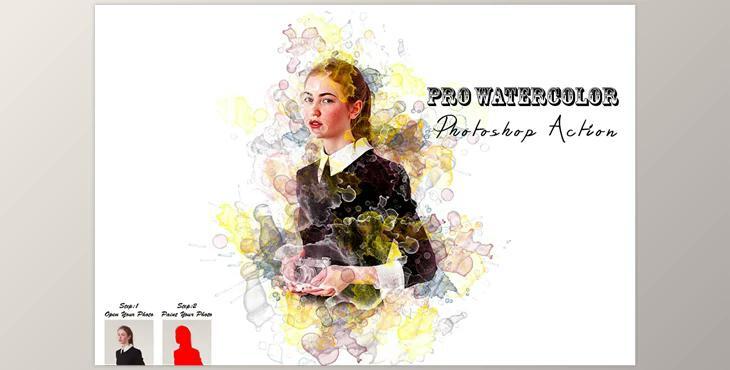
Pro Watercolor Photoshop Action CM - 7523466: The Pro Watercolor Photoshop Action is perfect for designers and photographers. It enhances and adds attractiveness to photos. It helps you in enhancing your photos to create stunning and distinctive designs. It comes with a 3 Effect appearances and 10 color options when you look at your eyes without looking.
This action was verified and tested in Photoshop the CC2022 English Version. Software supported version:CS6,CC,CC2014,CC2015,CC2015.5,CC2016,CC2017,CC2018,CC2019,CC2020,CC2021,CC2022 English Version.
Most important instruction:
(1) Open an image within Photoshop. You must now resize the image. To change the size of your image, click crop tools. On to the top menu bar. You will find W x H Reso in three boxes. Note: Write 3000px W, 2000px and Resolution 72. Increase the size of your photo's canvas for maximum results. Select the Background image you want to use and then use the crop tool in the toolbar, and then extend the area surrounding the image.
(2) Open your picture. Make a brand new layer, then change the name to "paint" (in lowercase). Choose a brush to paint your photo. Make sure to close the "paint" layer eye and maintain the selection "paint" layer Then click the play button.
