
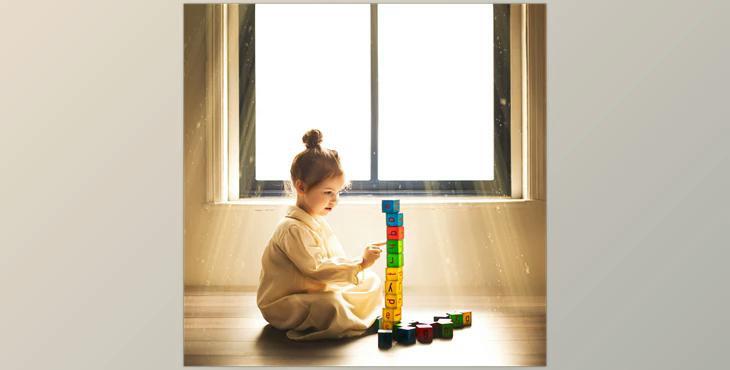
Sweet Soul Studio – Light Rays: 25 light rays that bring beauty to your images.
Open the image in Photoshop Go to your file, insert it, and select your light, Ray. Adjust the size and position. Switch the blending mode onto the screen. Make use of the opacity slider in the layer's settings to alter the level of intensity.
