
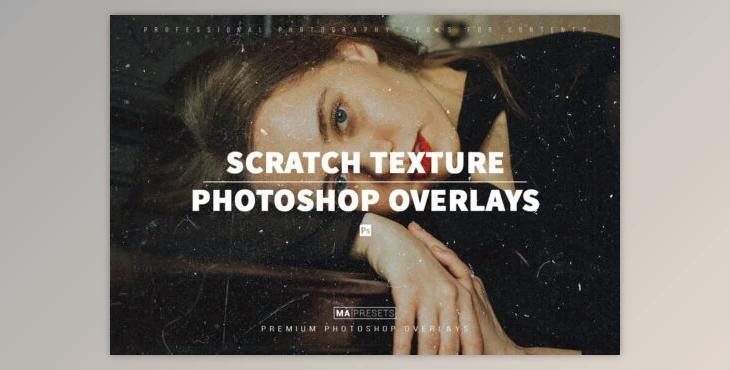
40 Add a hint of Scratch Texture to improve your photos using my exclusive real-life Film Dust overlays.
The product is in the Photoshop category, for more information about this post you can click on the home page link in the sidebar.
To search for similar products to 40 SCRATCH TEXTURE OVERLAYS,
What you will get with the purchase
COMPATIBILITY
Paste the Overlay
To begin testing, paste some overlay into Photoshop as a new layer. Resize the overlay until it completely covers the image underneath
Try out different colors, shapes, and compositions until you think you’ve found the right match.
Select the Blending Mode
With the layer mask selected, click on the blending mode button and select “Screen".
Edit the Layer
Sometimes an overlay will obscure parts of your image, so a little editing might be necessary.
