
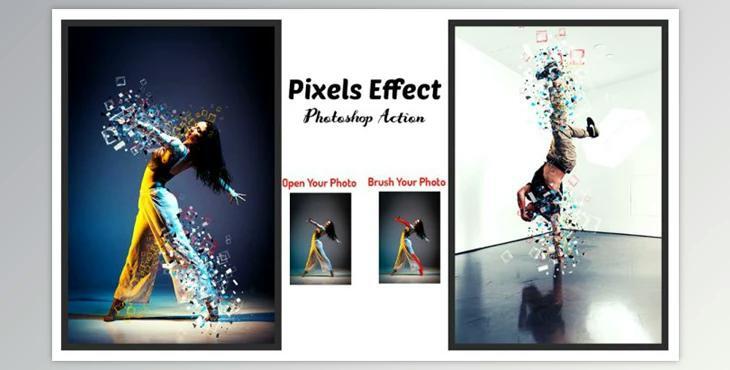
The Pixels Effect Photoshop Action is perfect for designers and photographers. It enhances and makes images more beautiful. It will allow you to create stunning images that have unique and amazing looks.
This action was tested on Photoshop CC2020 English Version. Software supported version: CS6, CC2014, CC2015, CC2015.5, CC2016, CC2017, CC2018, CC2019, CC2020 + English Version.
Most important instruction:
Open your photo. Create a new layer and rename it "paint" (in lowercase). Next, use a soft brush to brush the area you want Pixels Effect. Click the action play button to close "paint layer eye" and continue selecting "paint layer".
File includes:
Images Size: 2000x3000, 3000x2000px dpi300
