
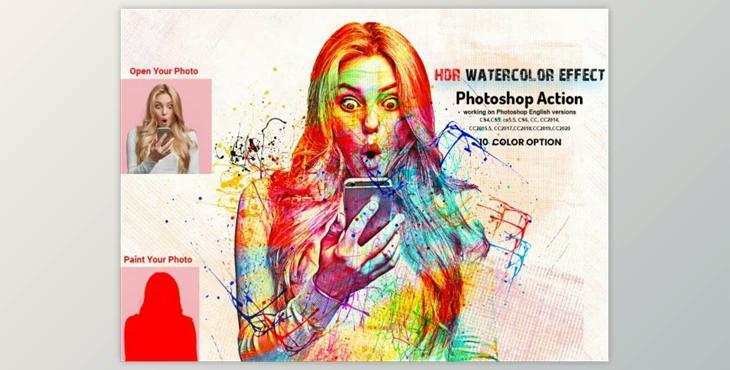
This action will transform your photos into a real HDR Watercolor Effect look. This professional pack will transform ordinary photos into amazing images. It is easy to modify and non-destructive. This action will give you 10 color options & patterns when you open an unviewed eye. It is easy to change the color.
This action was tested on Photoshop English Version CC2020 English Version. Software supported version: CS5.5, CS6, CC2015, CC2015.5, CC2015.5, CC2016, CC2017, CC2018, CC2019, CC2020+ English Version.
The most important instruction is:
(1) To get a good result, first, resize your images to 3000x2000 pixels. DPI 72
(2) Next, open your photo and create a new layer. Next, choose a brush to paint your image. Next, close the "paint layer eye" and continue selecting "paint". Click on the action play button.
File includes:
