
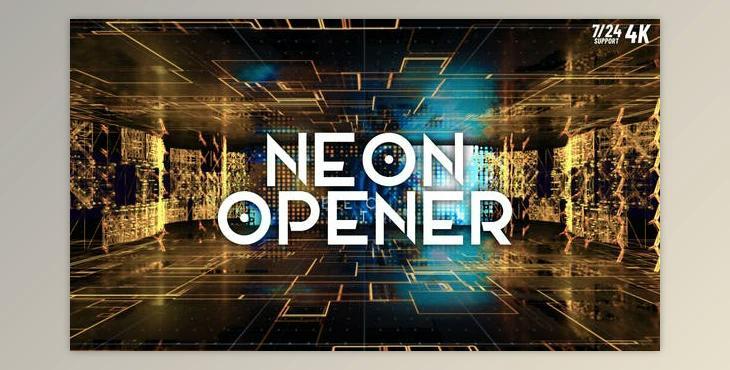
The product is in the After Effects Project category from VIDEOHIVE, for more information about this post you can click on the home page link in the sidebar.
To search for similar products to Neon Opener (Videohive 44198039) - AE Project,
How to edit
Edit:
Replace images or videos
1. Go to the Main window > EDIT > MEDIA > MIDIA 1-09 . This folder contains media compositions. Each of these compositions contains an image placeholder that you need to replace. Put your photo or video. Then adjust the position and size of the layer.
Replace Title
2. Go to the Main window> EDIT > TEXT > This folder contains text compositions, replace it with his own material
Customization and Color Correction
3. The 3D element needs tweaking. Find the E3D layer, go to it, and add a new path, this should be done in every scene
4. To adjust the preliminary composition before the final render, you need to open the project Main window >MAIN COMP > select layer "Color Control” and choose according to your taste.
What is the Neon Opener AE Project?
A "Neon Opener AE Project" likely refers to a pre-designed and customizable video project or template created for use in Adobe After Effects (AE). This project is likely centered around a neon-themed opener, which is typically used at the beginning of videos to introduce content, brand identities, or segments.
These types of After Effects projects are valuable resources for video creators, filmmakers, and content producers who want to add professional and eye-catching openers to their videos without starting from scratch. They save time and effort while allowing for creative customization to align with specific branding or content requirements.
