
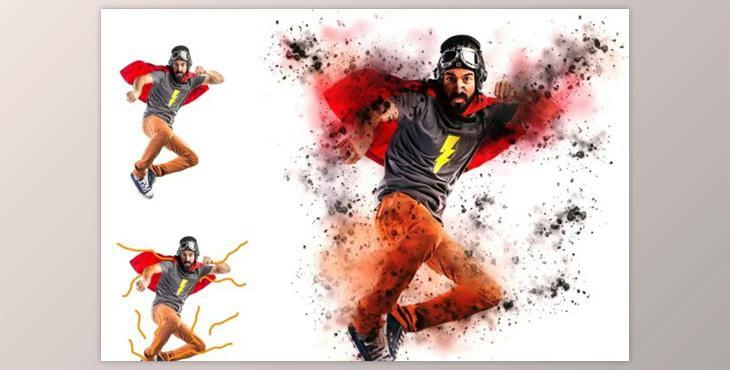
3D Dispersion Photoshop Action (Atn, Abr): It takes only one click to give your photo an interesting 3D Dispersion style by using my Photoshop action. 100% guaranteed most efficient and innovative resource.
It's not: the price is now the low discount price will be displayed at a certain the price will be updated
How to use effects to fragment photos in Photoshop?
You can use "3D Dispersion Photoshop Action" for editing.
Where can I download the product?
After subscription, You can download it for free from here.
More information about the 3D Dispersion Photoshop Action 3 item:
What's the deal with this Photoshop Action? Poster Effect Photoshop Action
Unlimited Effect
15 . Adjustment and color
The artful look
Super time saver option
Conceptualization of creativity
Editable and simple to edit
What is A 3D dispersion Photoshop action?
A 3D Dispersion Photoshop Action is a digital tool or script that automates the process of generating a three-dimensional dispersion effect in Adobe Photoshop. This effect involves fragmenting an object or subject within an image into scattered, three-dimensional pieces. By utilizing this action, users can easily achieve a dynamic and visually intriguing outcome, giving the impression that the elements in the image are disintegrating or explosively breaking apart. This tool is particularly useful for adding a creative and eye-catching dimension to photos, enhancing their overall impact and visual appeal.
