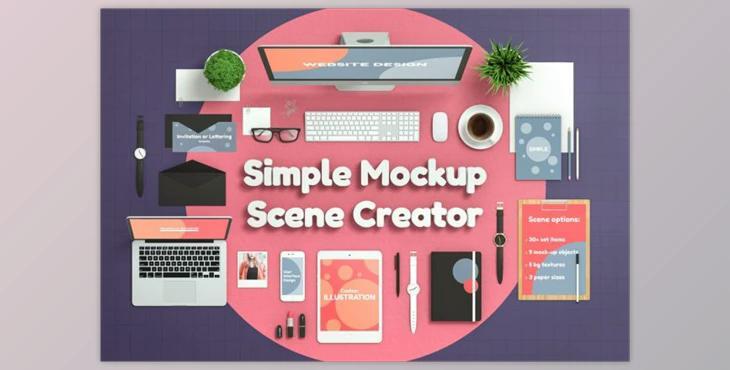
Simple Mockup Scene Creator By Aedon Design:
- You can create your own flat-lay images with more than 25 smart objects
- Place your photo or artwork on nine mocked up surfaces
- You can choose from 5 backgrounds textures that offer unlimited color options.
- Display (screen mockup).
- Laptop (screen mockup).
- Tablet (screen mockup).
- Screen mockup for smartphone
- Photo (image mockup).
- Spiral Notebook (page mockup).
- Closed Notebook (cover mockup).
- Envelope mockup of a letter or invitation card
- Blank paper A4 page on a Wooden Pad (page mockup).
- Two types of green plants
- Blank A4
- Sticknote
- Let us know
- Keyboard
- Mouse
- Pen (2 types).
- Pencils that can be changed in color
- Watch (3 types).
- Glasses
- Coffee Cup
- Lipstick
- Paper clips
- Background Textures (5 types).
Every object has a distinct SHADOW layer. Intensity is controlled by opacity.
HOW TO USE:
- Select a layer in Photoshop, and then press CTRL +T (CMD +T on Mac) to activate Transform Controls.
- Any object can be scaled, positioned, or rotated.
- To change the fill colors, double-click on Adjustment layers
- This product is for people who have a basic understanding of Photoshop.
- Some images used in screenshots will not be included in this project.