
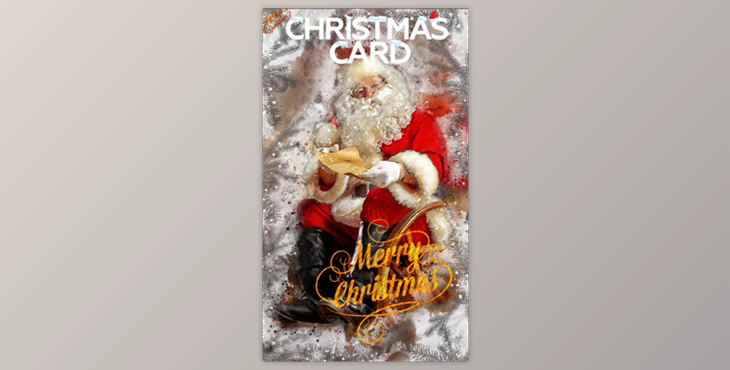
This will help you save hours and create Christmas and New Year cards with your photos. After the action is completed, you will get a well-structured file with many layers, folders, and settings. This action is compatible with Photoshop CC2018 and CS4, CS5, CSS6, CS6, CS6, CC++, and CS3.
This action is optimized for Photoshop CS3, CS4, CS5, CS6, CC++, and ONLY FOR THE ENGLISH VERSION OF PHOTOSHOP.
ZIP Content
Photoshop actions configuration.
It is important that you only use the English version of Photoshop. Each action was optimized to be used with the English edition of Photoshop.
Use the RGB Mode with 8 bits color. These settings are available by visiting Image->Mode.
Make sure that the option "Add Copy" to copied layers or groups is turned on. This option is only available in Photoshop CS5 and later. Click on "LAYERS" and then go to "Panel Options ...", Make sure "Add a Copy" to Copied Layers and Groups is turned on.
Use 72dpi resolution and higher. If your photo is less than 72dpi, the action will not work. You can fix this by going to Image->Image Size and increasing the resolution.
How can I combine my actions?
