
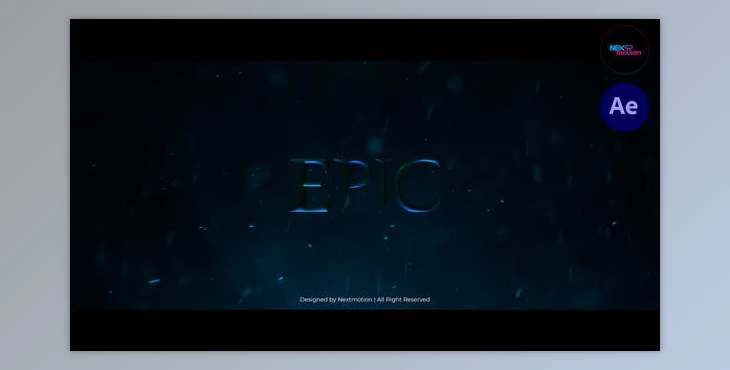
The product is in the After Effects Project category from VIDEOHIVE, for more information about this post, you can click on the home page link in the sidebar.
To search for similar products to Epic Cinematic Trailer (Videohive 39610996) - AE Project,
Here are a few instructions that will help:
Folder “02. Edit Comps” You can edit text and media for your project
Open “Media ##” composition. Import your media
Open “Type ###” composition. Double-click the text and type your text.
AUDIO
In After Effects, click on the menu option: File > Import > File (search the audio file, click on it, then click Open). Open the "Final Comp" folder. Open the composition Final Comp. Drag and drop your audio in this composition.
