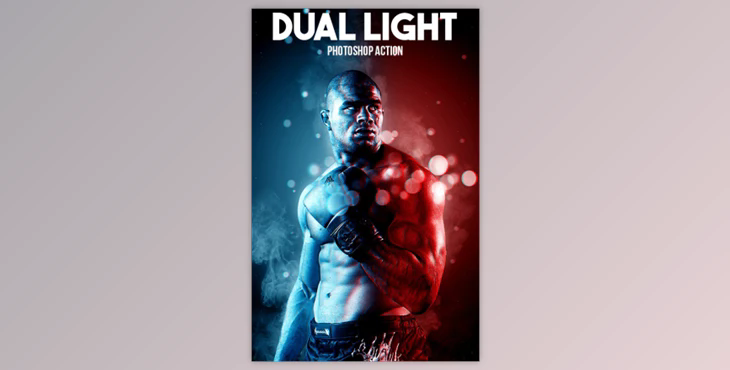
- Any photograph can be created with a realistic double-light effect.
- The final effect can include multiple color effects, layers, and levels of customization.
- It is easy to use and will save you time. You can layer the final composition with many customizations and effects.
- There are also 20 color presets.
- You can change settings to fit your style.
- Combining different styles can create your own masterpiece. This video will demonstrate how to load and modify the action.
- It was tested and confirmed More than 50 images were used to verify the integrity of this action.
The best size images are recommended with dimensions between 2500px to 4500px high/wide and 72/300 dpi resolution. Images with a lower resolution will result in less clarity and detail in the final composition.
By going to "Image"->..."Image Size ...", you can resize an image with a lower resolution by changing the dimensions to your liking. You can always resize the image to your original dimensions after applying the effect.
This action is only available to English-speaking users. This is the address.
Package:
- 1 Photoshop Atn Action file
- 1 Photoshop abr brush file
- 1 Photoshop pat pattern file