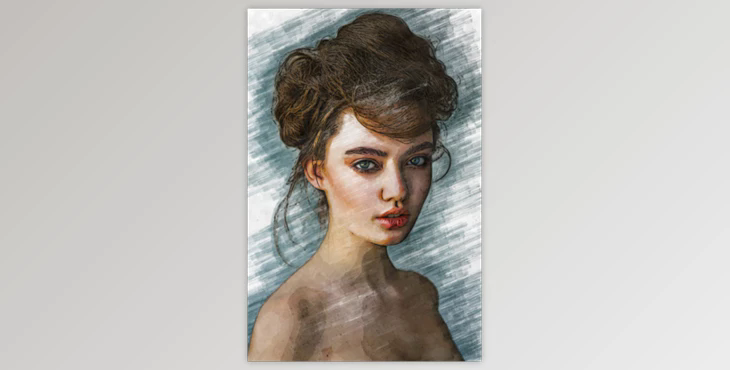
- You can create a marker sketch effect with your photos using this PS Action. To get an automatically generated effect and a well-organized layer structure, you can press the play button. This will save you time and allow you to get exactly what you need.
- This action works with Photoshop CS6, Photoshop CC14, and Photoshop CC15.
- This is the essence of the action Not tested in Photoshop CS4 and CS5.
The Main File
- Atn, abr. and tpl.
- One file of assistance is included.
Important
It will not work correctly if you don't follow these steps.
Step 1: Next, go to image/mode/RGB color/8bits channel
Step 2: Adjust your image size
- 300 dpi
- The height and weight range from 3000 pixels up to 4000 pixels.
Step 3: Make certain your layer is not a background in your open PSD. Please navigate to layer/new/background
Step 4: Import all files atn, bar, and tpl into a directory (Please refer to the video guide).
Step 5: Run action.